rectangular_hollow_section
- sectionproperties.pre.library.steel_sections.rectangular_hollow_section(d: float, b: float, t: float, r_out: float, n_r: int, r_in: float | None = None, material: Material = Material(name='default', elastic_modulus=1, poissons_ratio=0, yield_strength=1, density=1, color='w')) Geometry[source]
Constructs a rectangular hollow section (RHS).
Constructs a rectangular hollow section (RHS) centered at
(b/2, d/2), with depthd, widthb, thicknesst, outer radiusr_outand inner radiusr_in, usingn_rpoints to construct the inner and outer radii.If the inner radius is not specified, it defaults to the difference between the outer radius and the thickness of the section, i.e.
r_in = r_out - t. In this case, if the outer radius is less than the thickness of the RHS, the inner radius is set to zero.- Parameters:
d (float) – Depth of the RHS
b (float) – Width of the RHS
t (float) – Thickness of the RHS
r_out (float) – Outer radius of the RHS
n_r (int) – Number of points discretising the inner and outer radii
r_in (float | None) – Inner radius of the RHS. Defaults to
None, which impliesr_in = max(r_out - t, 0).material (Material) – Material to associate with this geometry. Defaults to
pre.DEFAULT_MATERIAL.
- Raises:
RuntimeError – If the geometry generation fails
- Returns:
Rectangular hollow section geometry
- Return type:
Example
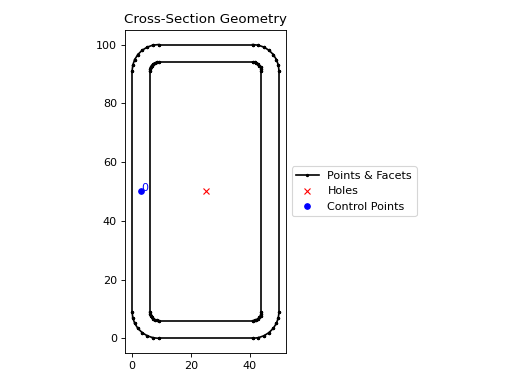
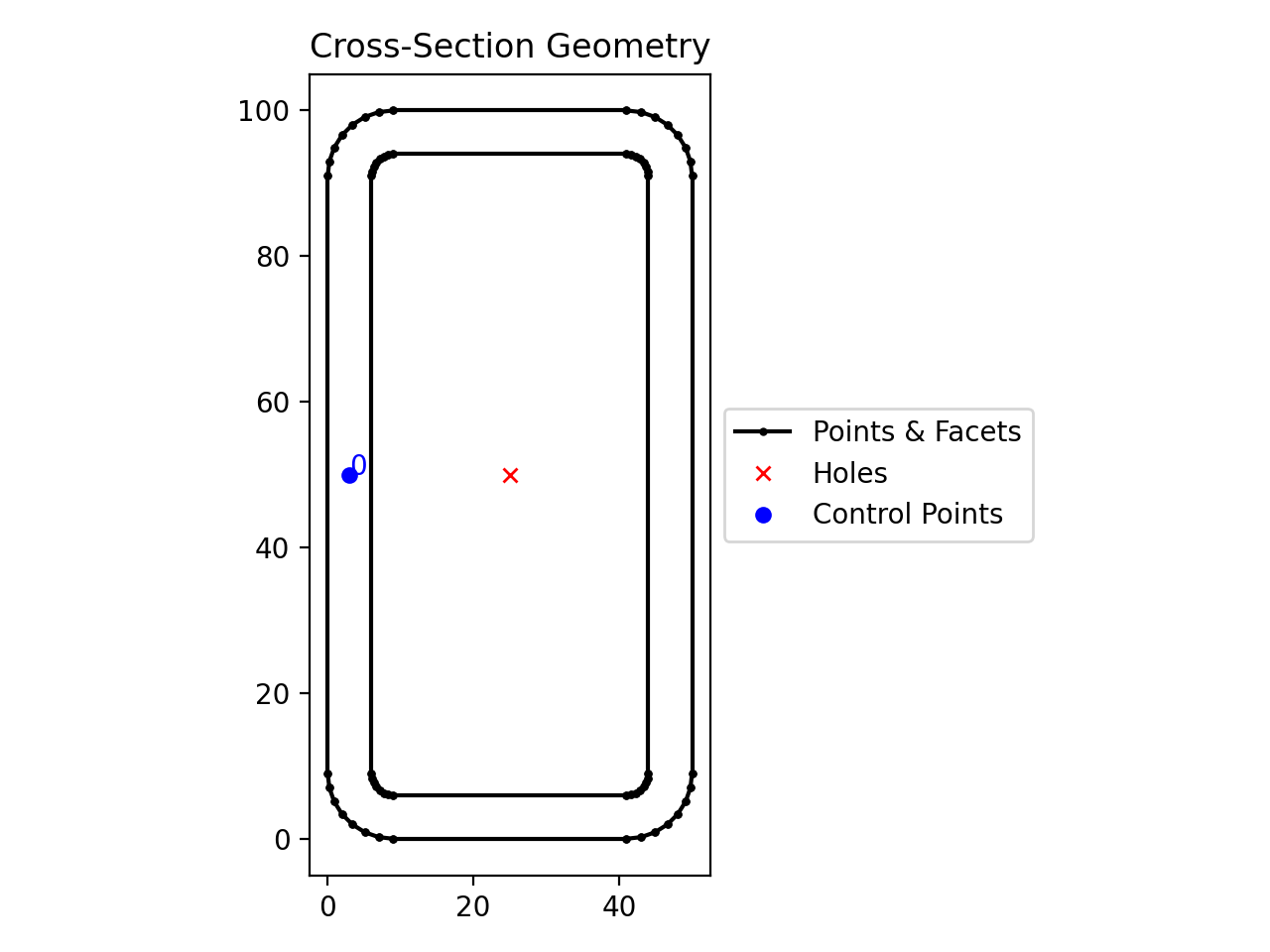
The following example creates an RHS with a depth of 100 mm, a width of 50 mm, a thickness of 6 mm and an outer radius of 9 mm, using 8 points to discretise the inner and outer radii:
from sectionproperties.pre.library import rectangular_hollow_section

rectangular_hollow_section(d=100, b=50, t=6, r_out=9, n_r=8).plot_geometry()
(
Source code,png,hires.png,pdf)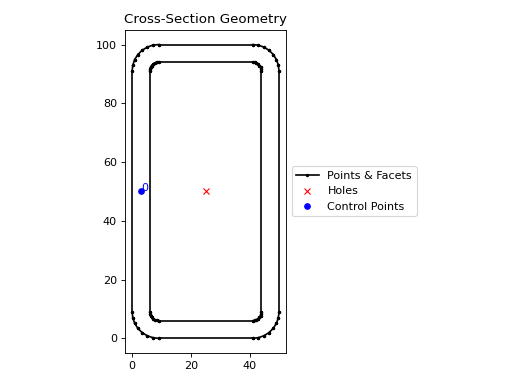
Rectangular hollow section geometry